Inventory & Stock in billing software
Billing software with inventory updates stock automatically every time you sell or buy: each invoice reduces stock, each purchase adds to it, and low-stock alerts tell you what to reorder. You can track batches, expiry dates, serial numbers and stock across godowns or branches.
What you can do with inventory & stock
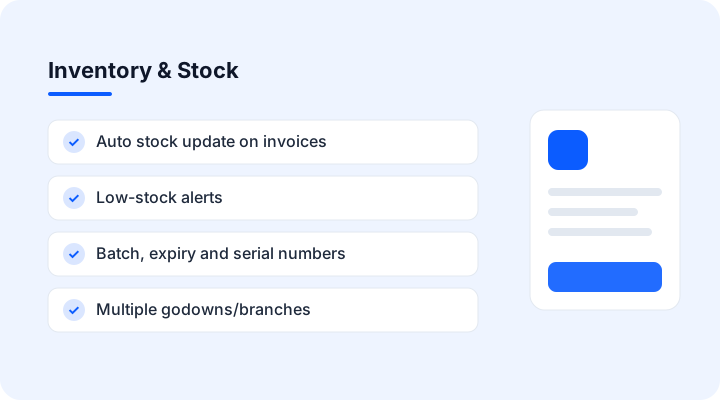
- Auto stock update on invoices
- Low-stock alerts
- Batch, expiry and serial numbers
- Multiple godowns/branches
- Stock valuation reports
- Barcode labels
Inventory & Stock: FAQ
Does stock update automatically?
Yes. Sales reduce stock and purchases add to it as soon as they are saved.
Can I track batches and expiry?
Yes. Batch, expiry and serial numbers can be tracked per item.
Can I manage more than one godown?
Yes. Stock is tracked per godown or branch, with transfers between them.