Billing software for restaurants & cafes
Restaurant billing software takes orders by table, prints kitchen order tickets (KOTs), and turns them into a final bill with taxes, discounts and service charge. It splits bills between guests, accepts multiple payment modes, and shows which dishes sell best each day.
Common billing problems in restaurants & cafes (and how to fix them)
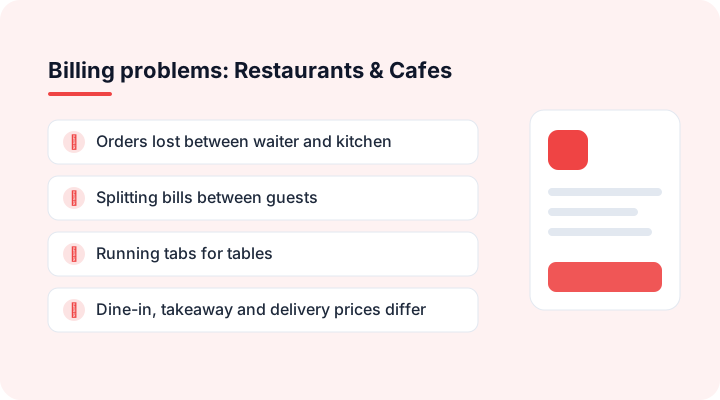
- Orders lost between waiter and kitchen
- Splitting bills between guests
- Running tabs for tables
- Dine-in, takeaway and delivery prices differ
- No idea which dishes are profitable
How billing software helps restaurants & cafes
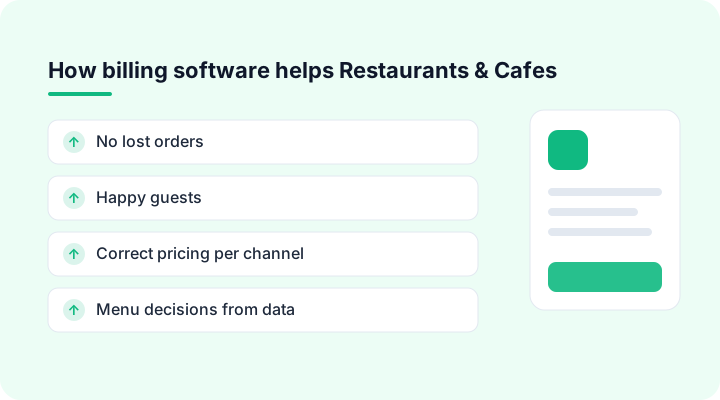
No lost orders
KOTs go straight to the kitchen from the table.
Happy guests
Split and merge bills in seconds.
Correct pricing per channel
Separate dine-in, takeaway and delivery price lists.
Menu decisions from data
Item-wise sales show what to promote or drop.
Restaurants & cafes billing software features
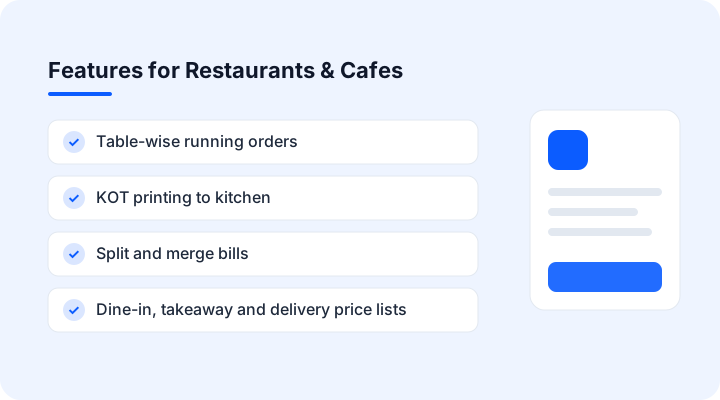
- Table-wise running orders
- KOT printing to kitchen
- Split and merge bills
- Dine-in, takeaway and delivery price lists
- Item-wise sales reports
- UPI QR on the bill
Billing software for restaurants & cafes in action
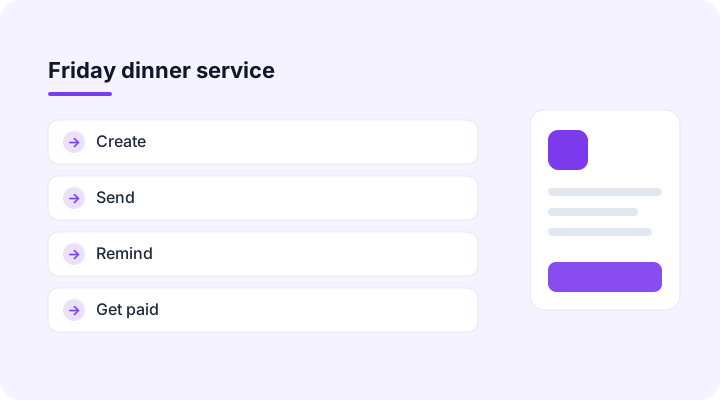
Example scenario: friday dinner service. An illustration of a typical billing cycle, not a customer case study.
- 1
A waiter adds orders by table on a phone; each order prints a KOT in the kitchen instantly.
- 2
Table 7 asks to split the bill three ways. The cashier splits by item, and each guest pays by UPI.
- 3
After closing, the owner sees that paneer tikka outsold every starter and that delivery orders peaked at 9 pm.
Sample restaurants & cafes invoice format
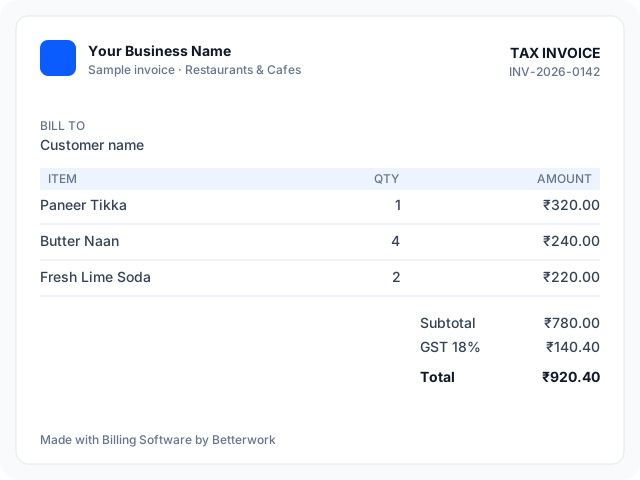
| Item | Qty | Rate |
|---|---|---|
| Paneer Tikka | 1 | 320 |
| Butter Naan | 4 | 60 |
| Fresh Lime Soda | 2 | 110 |
| Taxable value | 780 | |
Use it as a restaurants & cafes billing app: create and share this invoice from any phone in three steps: set up items, create the invoice, share on WhatsApp and collect payment.
Tax and compliance notes for restaurants & cafes
In India most standalone restaurant services are taxed at 5% GST without input tax credit; restaurants in hotels with higher room tariffs follow different rules.
AI features in restaurants & cafes billing software
AI suggestions save time; you review and approve every invoice and message.
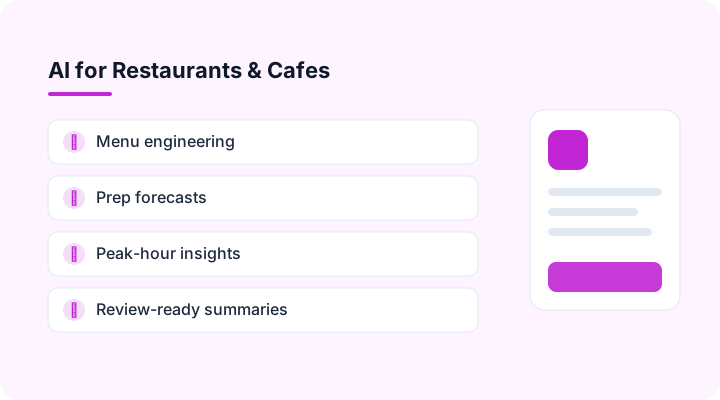
Menu engineering
Classifies dishes by popularity and margin.
Prep forecasts
Estimates tomorrow's covers and top dishes from past sales.
Peak-hour insights
Shows when to add staff or run offers.
Review-ready summaries
A daily note on sales, voids and discounts.
Billing software integrations for restaurants & cafes
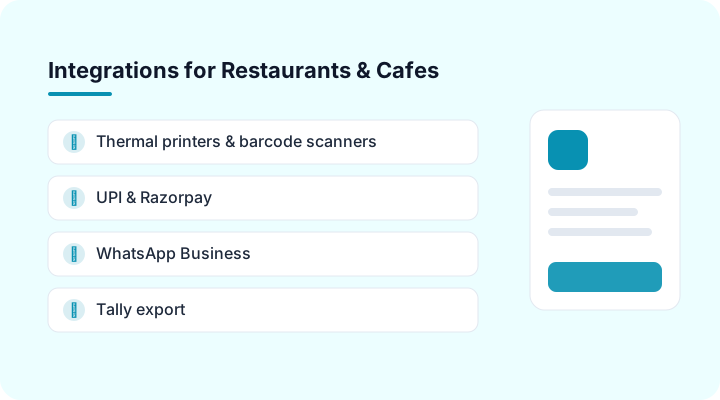
Thermal printers & barcode scanners
USB and Bluetooth 58/80 mm printers and any keyboard-mode scanner.
UPI & Razorpay
Collect payments by UPI QR or payment link on every invoice (India).
WhatsApp Business
Send invoices, statements and reminders on WhatsApp.
Tally export
Export sales and receipts for your accountant's Tally books.
Excel & Google Sheets
Import items and customers; export any report.
Webhooks & API
Connect your CRM or any other system.
CA and accountant access for restaurants & cafes
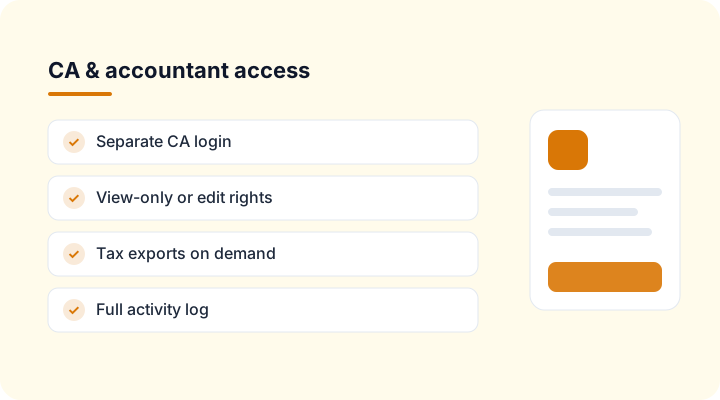
Separate CA login
Your accountant sees your restaurants & cafes invoices and payments without your password.
Tax exports on demand
GSTR-1, VAT or sales-tax summaries download whenever your CA needs them.
You stay in control
Choose view-only or edit rights, see every change in the activity log, and remove access in one click.
Billing software vs Excel for restaurants & cafes: which is best?
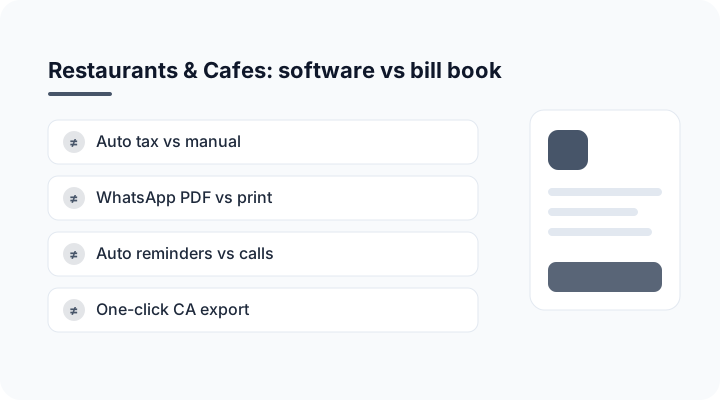
| Task | Bill book / Excel | Billing Software by Betterwork |
|---|---|---|
| Tax calculation | Manual, error-prone | Automatic per item |
| Sharing bills | Print or photo | PDF on WhatsApp / email |
| Payment follow-up | Phone calls | Automatic reminders |
| Reports for your CA | Re-typed at month-end | One-click export |
| Stock and dues | Separate registers | Updated with every bill |
Restaurants & cafes billing software: frequently asked questions
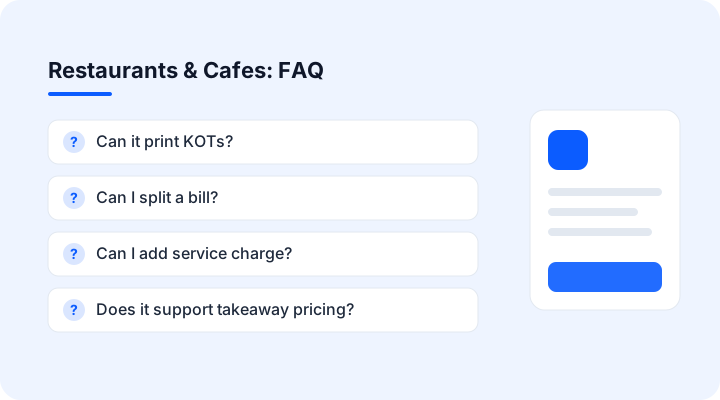
Can it print KOTs?
Yes, each new order prints a KOT for the kitchen.
Can I split a bill?
Yes, split by item or equally between guests.
Can I add service charge?
Service charge can be added as an optional line, shown separately from tax.
Does it support takeaway pricing?
Yes, set separate price lists for dine-in, takeaway and delivery.
Can I see top-selling dishes?
Yes, item-wise reports by day, week or month.