Billing software for freelancers
Invoice software for freelancers makes a polished invoice in under a minute, converts accepted quotes into invoices, bills overseas clients in their currency, adds a payment link, and reminds clients automatically. At tax time, you export a clean list of invoices and payments.
Common billing problems in freelancers (and how to fix them)
- Invoices built from scratch every time
- Overseas clients and currency confusion
- Awkward payment follow-ups
- No record for tax filing
- Quotes not tracked to invoices
How billing software helps freelancers
Less admin
From quote to paid in a few clicks.
Get paid globally
Bill in the client's currency with a payment link.
No awkward follow-ups
Reminders go automatically and stop on payment.
Tax-ready
Export everything at year-end.
Freelancers billing software features
- Quote-to-invoice in one click
- Multi-currency invoices
- Payment link on every invoice
- Gentle automatic reminders
- Tax-ready exports
- Mobile-friendly
Billing software for freelancers in action
Example scenario: a freelance designer's week. An illustration of a typical billing cycle, not a customer case study.

- 1
A quote for a logo project is accepted on Monday and converted into an invoice with one click.
- 2
The client is in Germany, so the invoice is in EUR with a card payment link.
- 3
The client pays on Thursday; the reminder scheduled for Friday is cancelled automatically.
Sample freelancers invoice format
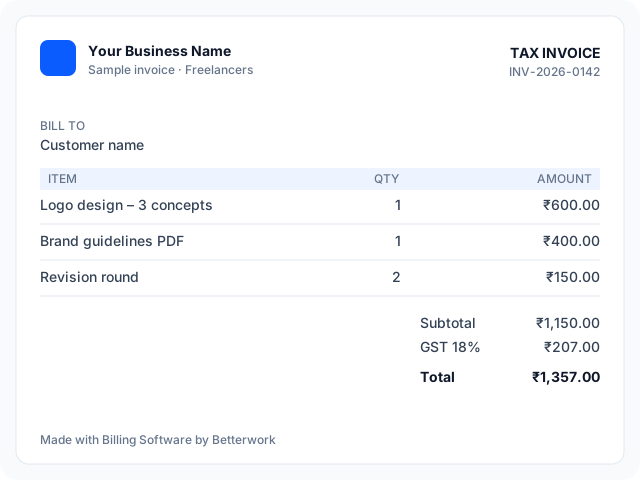
| Item | Qty | Rate |
|---|---|---|
| Logo design – 3 concepts | 1 | 600 |
| Brand guidelines PDF | 1 | 400 |
| Revision round | 2 | 75 |
| Taxable value | 1,150 | |
Use it as a freelancers billing app: create and share this invoice from any phone in three steps: set up items, create the invoice, share on WhatsApp and collect payment.
Tax and compliance notes for freelancers
Rules depend on your country: Indian freelancers above the GST threshold charge GST or zero-rate exports under LUT; US freelancers usually do not add sales tax on services.
AI features in freelancers billing software
AI suggestions save time; you review and approve every invoice and message.
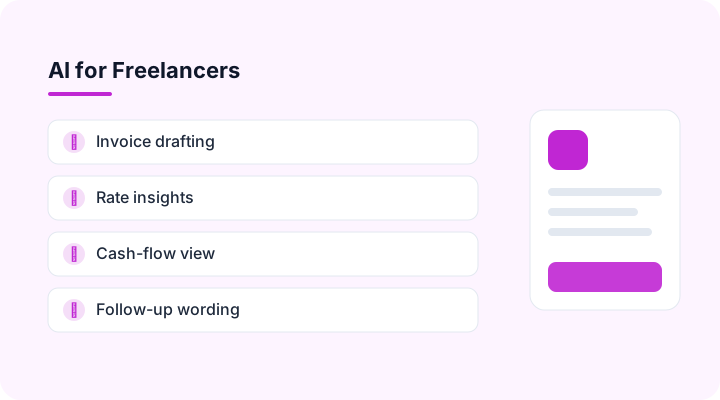
Invoice drafting
Describe the job in a sentence and get a complete invoice draft.
Rate insights
Shows effective hourly rate per client.
Cash-flow view
Predicts income for the next 30 days.
Follow-up wording
Writes friendly reminder emails.
Billing software integrations for freelancers
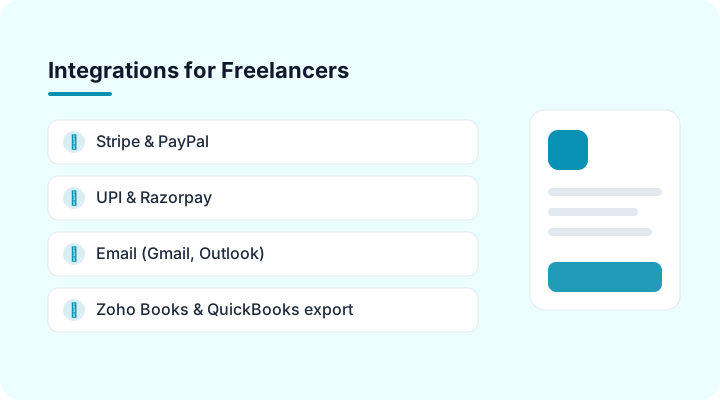
Stripe & PayPal
Card and international payment links for overseas clients.
UPI & Razorpay
Collect payments by UPI QR or payment link on every invoice (India).
Email (Gmail, Outlook)
Send invoices from your own email address.
Zoho Books & QuickBooks export
Push invoices to the accounting software your CA uses.
Webhooks & API
Connect your CRM or any other system.
Excel & Google Sheets
Import items and customers; export any report.
CA and accountant access for freelancers
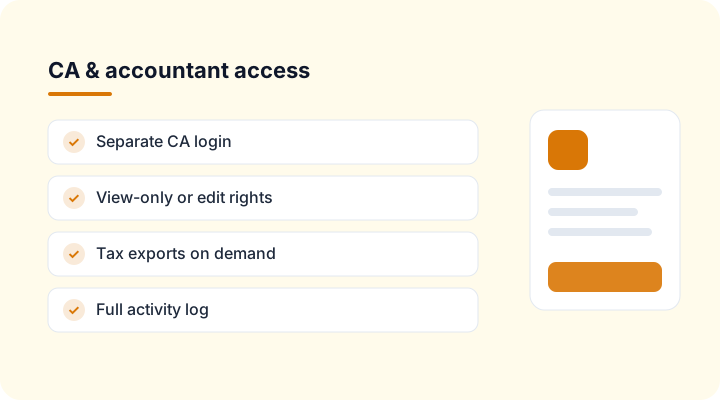
Separate CA login
Your accountant sees your freelancers invoices and payments without your password.
Tax exports on demand
GSTR-1, VAT or sales-tax summaries download whenever your CA needs them.
You stay in control
Choose view-only or edit rights, see every change in the activity log, and remove access in one click.
Billing software vs Excel for freelancers: which is best?
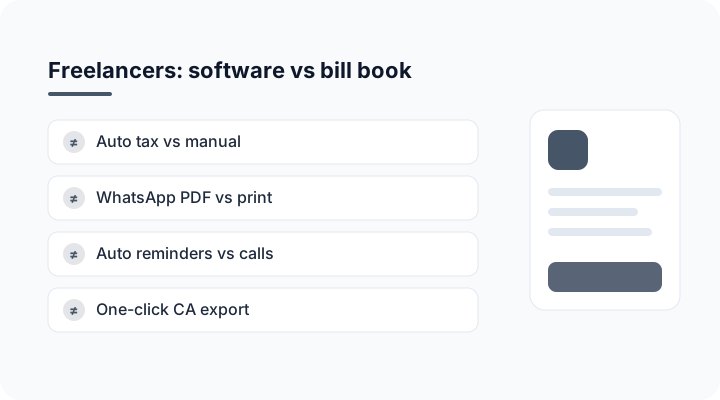
| Task | Bill book / Excel | Billing Software by Betterwork |
|---|---|---|
| Tax calculation | Manual, error-prone | Automatic per item |
| Sharing bills | Print or photo | PDF on WhatsApp / email |
| Payment follow-up | Phone calls | Automatic reminders |
| Reports for your CA | Re-typed at month-end | One-click export |
| Stock and dues | Separate registers | Updated with every bill |
Freelancers billing software: frequently asked questions
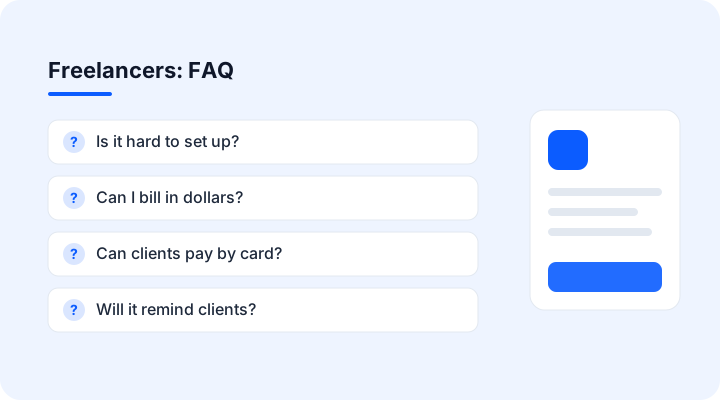
Is it hard to set up?
Add your name, logo and bank details and send your first invoice in minutes.
Can I bill in dollars?
Yes, choose the client's currency on each invoice.
Can clients pay by card?
Yes, through a payment link on the invoice.
Will it remind clients?
Yes, reminders go automatically until the invoice is paid.
Can I export for taxes?
Yes, export invoices and payments as a spreadsheet.